 English
 Spanish
Best TikTok Editing Apps in 2026
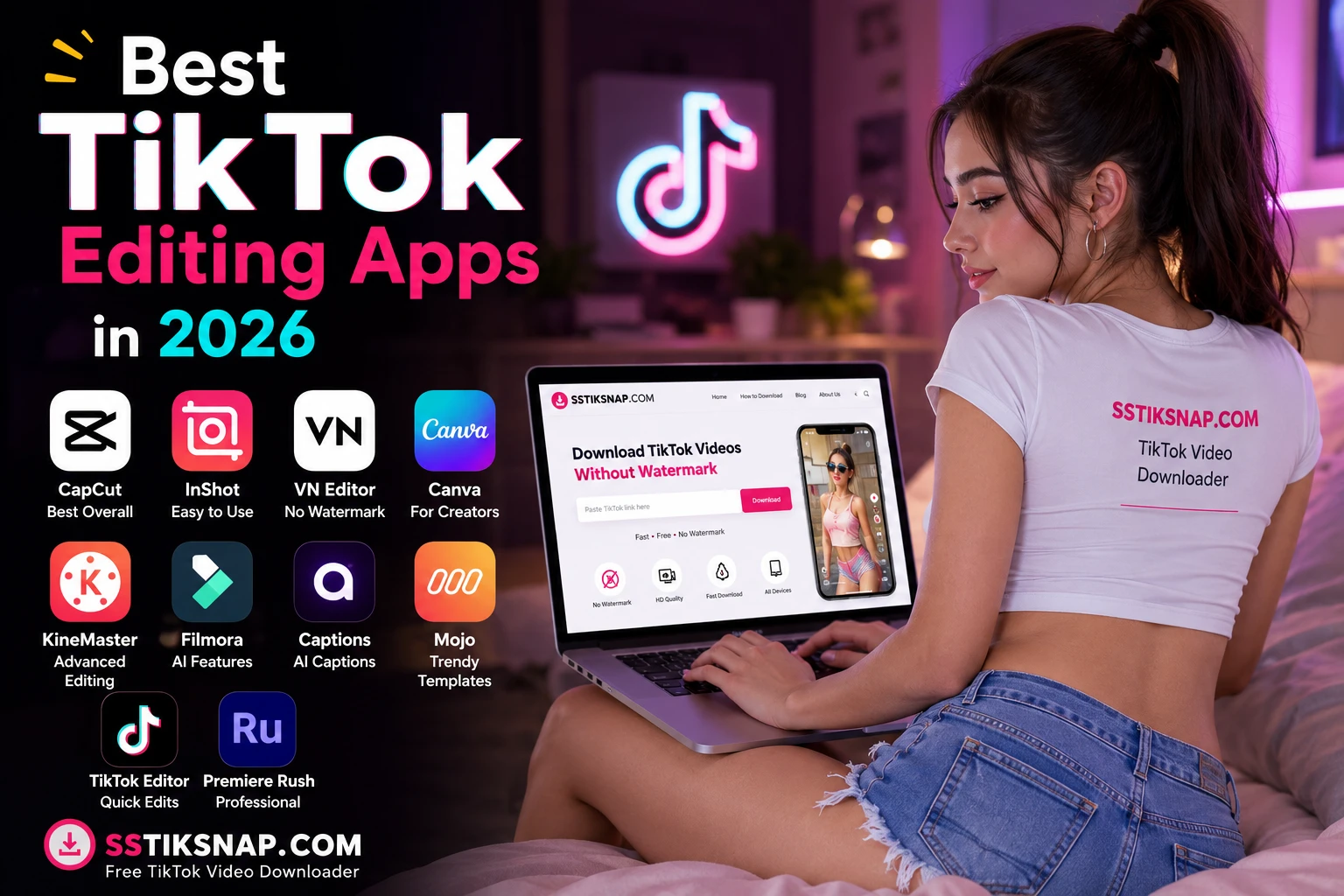
Best TikTok Editing Apps in 2026
Creating viral TikTok videos is no longer just about recording great content—editing plays a huge role. The right editing app can help you add smooth transitions, AI captions, trending effects, and professional-quality visuals in minutes.
Here are the best TikTok editing apps to use in 2026.
1. CapCut – Best Overall
CapCut remains the most popular TikTok editing app because it's designed for short-form content and offers a powerful free version. It includes:
- AI Auto Captions
- Trending templates
- Background removal
- Keyframe animation
- Auto beat sync
- 4K export
- Desktop & mobile support
Best for: Beginners and professional creators.
2. InShot
If you want a simple editor that doesn't require much learning, InShot is an excellent choice.
Features
- Easy trimming
- Filters and transitions
- Music library
- Text animations
- Speed control
- Canvas resizing
Best for: Quick TikTok edits.
3. VN Video Editor
VN is one of the best free alternatives with no watermark on many exports.
Features
- Multi-layer timeline
- Keyframes
- Color grading
- Motion blur
- 4K export
- Professional controls
Best for: Advanced creators on a budget.
4. Canva Video Editor
Canva isn't just for graphics anymore.
It's ideal for:
- TikTok ads
- Product videos
- Business content
- Animated text
- Brand templates
Best for: Brands and marketers.
5. KineMaster
KineMaster has been a favorite for years because of its powerful editing tools.
Highlights
- Chroma Key
- Multi-layer editing
- Voice-over
- Speed ramping
- Blending modes
Best for: Advanced mobile editing.
6. Filmora Mobile
Filmora offers an easy balance between beginner-friendly editing and professional tools.
Features include:
- AI effects
- Motion tracking
- Templates
- Audio enhancement
- Cloud sync
Best for: Creators using both mobile and desktop.
7. Captions
If you create talking-head videos, Captions is one of the strongest AI tools available.
Features
- AI subtitles
- Eye-contact correction
- Voice enhancement
- Animated captions
Best for: Educational and podcast clips.
8. Mojo
Mojo specializes in animated templates.
Perfect for:
- Story videos
- Lifestyle creators
- Fashion
- Business promotions
9. TikTok Built-in Editor
Many creators overlook TikTok's own editor.
Advantages:
- Trending sounds
- Native effects
- Stickers
- Voice effects
- Fast publishing
It's a good option for simple edits without installing another app.
10. Adobe Premiere Rush
If you already use Adobe products, Premiere Rush provides a smooth workflow.
Features:
- Cross-device editing
- Cloud sync
- Professional timeline
- Direct social media export
Best for: YouTubers and professional creators.
Comparison Table
| App | Best For | Free Version | AI Features |
|---|---|---|---|
| CapCut | Overall Editing | ✅ | ⭐⭐⭐⭐⭐ |
| InShot | Beginners | ✅ | ⭐⭐⭐ |
| VN Editor | Free Professional Editing | ✅ | ⭐⭐⭐ |
| Canva | Business Videos | ✅ | ⭐⭐⭐⭐ |
| KineMaster | Advanced Mobile Editing | ✅ | ⭐⭐⭐ |
| Filmora | Cross-platform Editing | ✅ | ⭐⭐⭐⭐ |
| Captions | AI Subtitles | Limited | ⭐⭐⭐⭐⭐ |
| Mojo | Animated Templates | ✅ | ⭐⭐⭐ |
| TikTok Editor | Quick Edits | ✅ | ⭐⭐⭐ |
| Premiere Rush | Professional Workflow | Limited | ⭐⭐⭐⭐ |
Which App Should You Choose?
- Best overall: CapCut
- Best free editor: VN Video Editor
- Best for beginners: InShot
- Best AI captions: Captions
- Best business content: Canva
- Best professional editing: Adobe Premiere Rush
Final Thoughts
The best TikTok editing app depends on your workflow. If you're just getting started, CapCut and InShot are excellent choices. For more advanced editing, VN Video Editor, Filmora, or Premiere Rush provide greater creative control. AI-powered tools like Captions can also save significant time when creating subtitle-heavy content.